The dashboard
http://127.0.0.1:3000.What each page shows
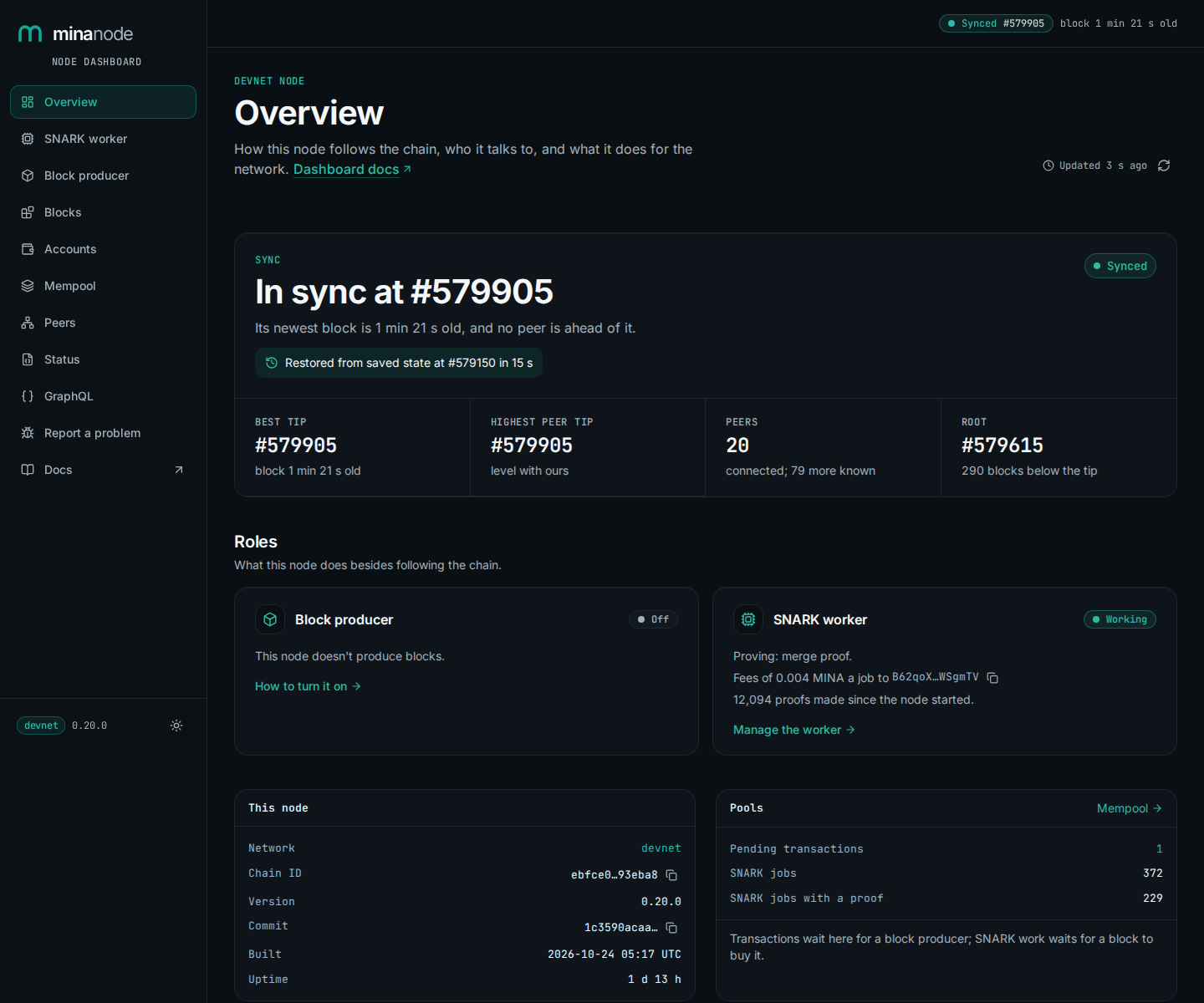
- Overview
- Sync state, best tip, peers, the saved-state restore and the node's roles
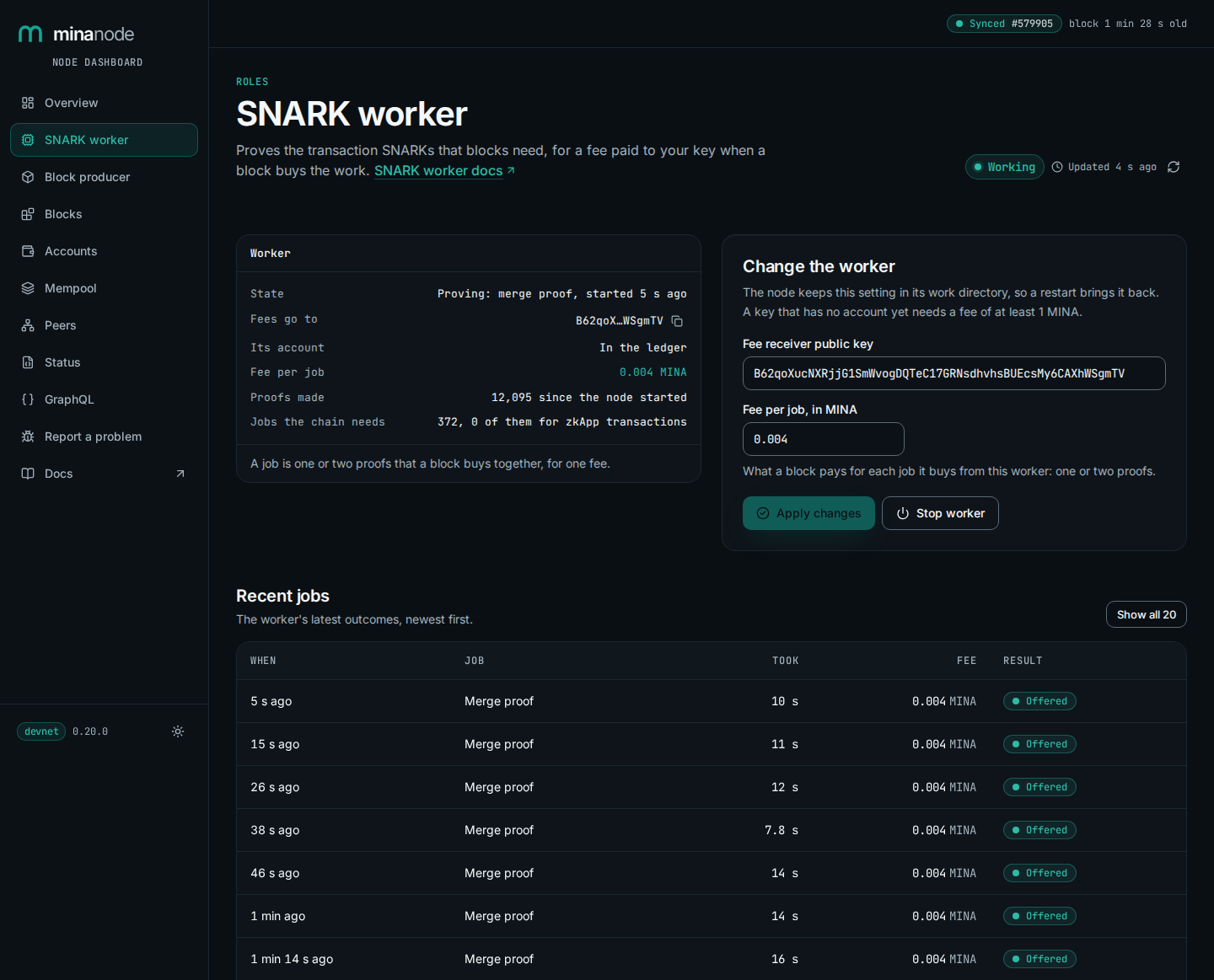
- SNARK worker
- The worker's state, its start, stop and fee, and the work blocks bought
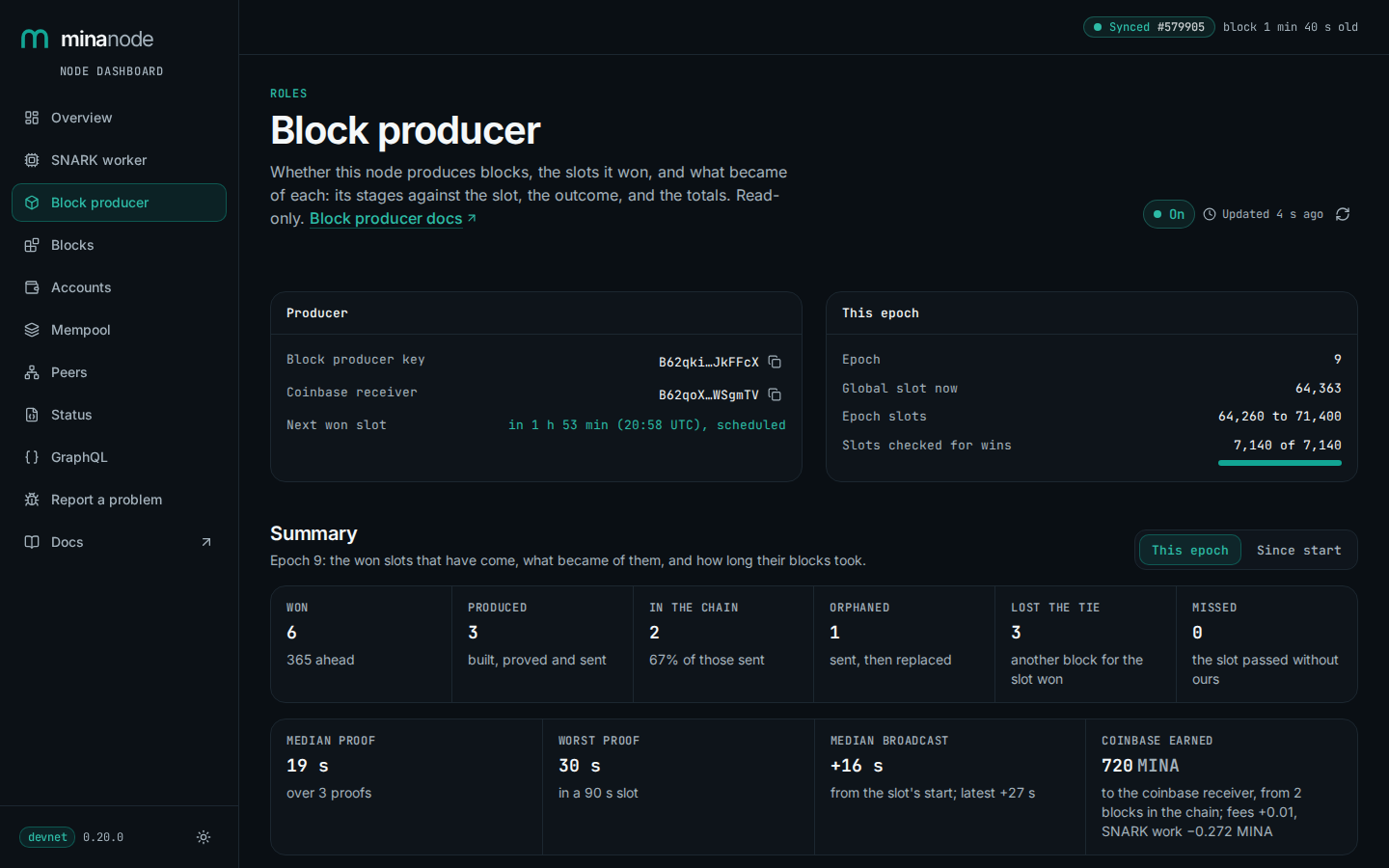
- Block producer
- The producer key, won slots ahead, what became of each won slot and its stages, and the totals
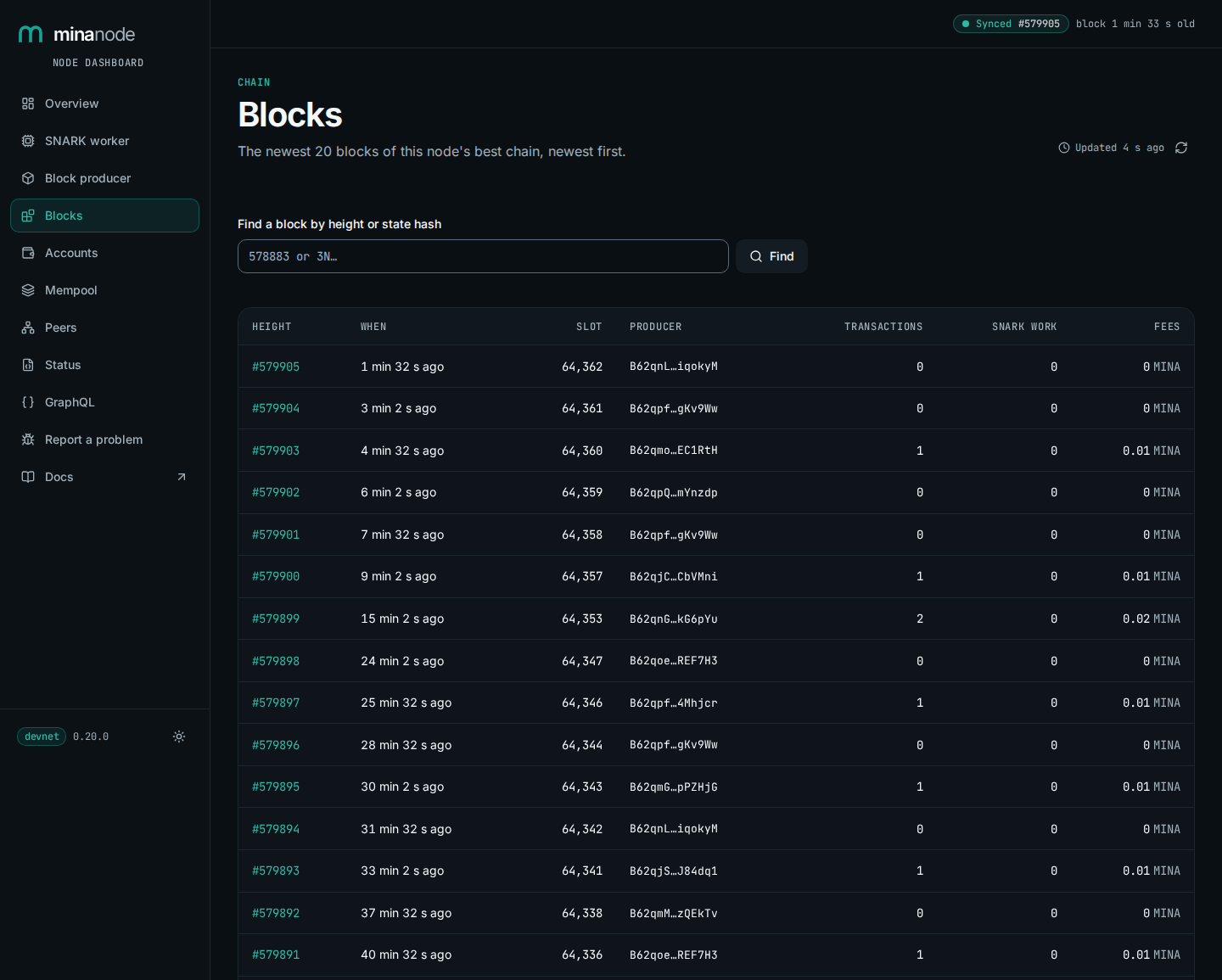
- Blocks
- The newest blocks of the best chain, and each block's transactions and SNARK work
- Accounts
- An account's balance and nonce at the best tip
- Mempool
- Transactions waiting for a block, and the SNARK work on offer
- Peers
- The nodes it knows, and the best tip each connected peer last sent
- Status
- The node's own /status and /build_env answers
- GraphQL
- The GraphQL address, with an example to copy
- Report a problem
- A bug report to copy, download or open as a GitHub issue
Use 127.0.0.1 rather than localhost. The node listens on IPv4 only, and a browser may try localhost as IPv6 ::1 first. Another program on port 3000 there then answers in its place, with no error from either.
The pages read only this node, and nothing loads from elsewhere. --no-dashboard turns the dashboard off; the API stays on.
While the worker is off, the SNARK worker page's fee field starts at the lowest fee on offer in the pool, or 0.1 MINA if there is none. A key with no account on chain needs a fee of at least 1 MINA (the rule), so raise it for a new key.
Screenshots
 Open full size ↗
 Open full size ↗
 Open full size ↗
 Open full size ↗
Viewing it on a server
Don't open the node's HTTP port to the internet. Reach the dashboard through an SSH tunnel instead: on your own computer, run
ssh -N -o ExitOnForwardFailure=yes -L 3000:127.0.0.1:3000 you@serverand open http://127.0.0.1:3000. The tunnel stays up until you press Ctrl-C. Worker control works through it, because your browser sees the dashboard at a loopback address.
If port 3000 is taken on your computer, forward another local port, as in ssh -N -o ExitOnForwardFailure=yes -L 127.0.0.1:3010:127.0.0.1:3000 you@server, and open http://127.0.0.1:3010. When the local port is taken, ssh prints a bind error and exits, because of ExitOnForwardFailure=yes.
Your SSH account must allow TCP forwarding. If the tunnel connects but the page fails to load, check the SSH client's error for a forwarding refusal and ask the server administrator to allow it for your account.
The HTTP API and dashboard listen on 127.0.0.1 by default. For a private network such as Tailscale, start the node with --http-addr followed by its private IP address. --http-addr 0.0.0.0 listens on every IPv4 interface.
For example, use --http-addr 192.0.2.103 and open the dashboard at http://192.0.2.103:3000.
To open it at a hostname instead of an IP address, start the node with --http-cors-origin http://NAME:3000.
Use the Tailscale address for worker control only if your tailnet rules limit access to people you trust with the worker's fee receiver.
--allow-worker-control lets anyone who can reach the node's HTTP port choose where the fees go. Use it only on a node whose HTTP port only you can reach. The node refuses it together with --public-graphql.
A change is taken only from pages of this machine, from the node's own dashboard opened at an IP address, and from origins you list with --worker-control-origin.